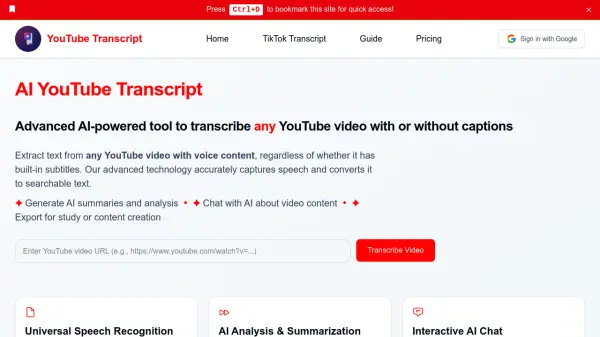
What is yts?
yts is a browser extension designed to enhance the YouTube viewing experience by providing an efficient way to search through video transcripts. Unlike the traditional Ctrl+F method, which can be cumbersome, this tool integrates a dedicated search box directly into YouTube's interface. It allows users to filter transcripts quickly and locate specific content within seconds.
The extension addresses a gap in YouTube's native functionality, as the platform has only partially implemented transcript search features. By offering this capability sitewide, yts eliminates the need to wait for YouTube to release such improvements, providing immediate access to better transcript navigation.
Features
- Search Box Integration: Adds a dedicated search box to YouTube for filtering transcripts
- Quick Filtering: Enables users to find content in seconds without using Ctrl+F
- Sitewide Compatibility: Works across all YouTube videos, not just those with native search features
Use Cases
- Finding specific information in educational YouTube videos
- Locating key moments in tutorials or lectures
- Searching for quotes or references in video content
- Improving accessibility by quickly navigating transcripts
Related Queries
Helpful for people in the following professions
yts Uptime Monitor
Average Uptime
100%
Average Response Time
119.67 ms