

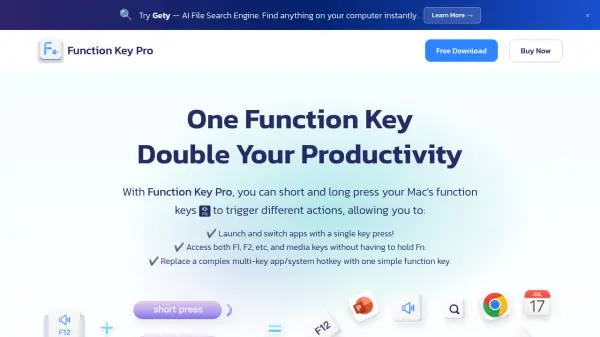
What is Function Key Pro?
Function Key Pro is a utility designed for Mac users to optimize their workflow by customizing the function keys. It enables assigning different actions to a single function key based on short or long presses, eliminating the need to hold the Fn key for special functions like media controls or F1-F12 keys. This tool helps users launch and switch applications quickly, replace complex multi-key hotkeys with simple presses, and maintain access to all standard function key features without extra keystrokes.
The software offers a streamlined approach to keyboard shortcuts, allowing customization such as taking screenshots or adjusting volume with a single key press. It aims to reduce the time spent on repetitive tasks and improve overall efficiency by simplifying keyboard interactions. Users can test all features with a free 14-day trial before purchasing.
Features
- Custom Key Actions: Assign different actions to function keys based on short or long presses
- App Management: Launch and switch applications faster with bound function keys
- Fn Key Elimination: Access F1-F12 and media keys without holding the Fn key
- Hotkey Replacement: Replace complex multi-key hotkeys with simple function key presses
- Workflow Optimization: Improve productivity by streamlining keyboard shortcuts and reducing keystrokes
Use Cases
- Speeding up app launching and switching on Mac
- Simplifying media control and function key access without holding Fn
- Replacing complex keyboard shortcuts with single-key hotkeys
- Enhancing workflow efficiency for repetitive tasks
- Customizing keyboard shortcuts for personalized productivity
FAQs
-
Is there a free trial available for Function Key Pro?
Yes, there is a free version available for 14 days to test all features before purchasing. -
What is the refund policy for Function Key Pro?
You can request a refund within 60 days of your order.


