

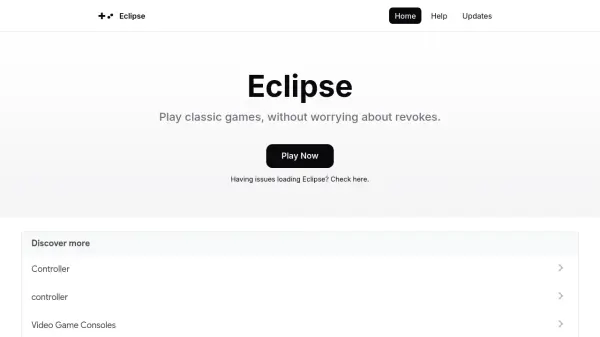
What is Eclipse?
Eclipse is a web-based emulator designed for playing classic video games without the hassle of revokes, particularly on iOS and iPadOS devices. It enables users to access games through any modern web browser, offering offline functionality by loading games from local files. The tool supports a variety of gaming systems, including Game Boy, Game Boy Color, Game Boy Advance, Nintendo Entertainment System, Super Nintendo, Sega Master System, and Sega Game Gear, with plans to expand this list.
Users can manage a library of games by adding titles from Google Drive, Dropbox, or a selection of Homebrew games, and they can also load ROMs directly from local files. Eclipse provides flexible input options, supporting touch, keyboard, and controller inputs via the JavaScript Gamepad API, with customizable bindings in settings. It does not require downloads or installations, making it accessible and convenient for retro gaming enthusiasts.
Features
- Web-Based Access: Play games on any modern web browser without downloads or revokes.
- Library Management: Add games from Google Drive, Dropbox, or Homebrew games to a personal library.
- Multiple Systems Support: Emulate Game Boy, Game Boy Color, Game Boy Advance, NES, Super Nintendo, Sega Master System, and Sega Game Gear.
- Offline Play: Use local files to play games without an internet connection.
- Input Flexibility: Support for touch, keyboard, and controller inputs with customizable bindings.
Use Cases
- Playing retro games on iOS or iPadOS without revoke issues.
- Managing a personal collection of classic games from cloud storage.
- Emulating multiple gaming systems in a single web-based platform.
- Customizing game controls for touch, keyboard, or controller inputs.
- Accessing games offline by loading ROMs from local files.


