
Beskrivelse
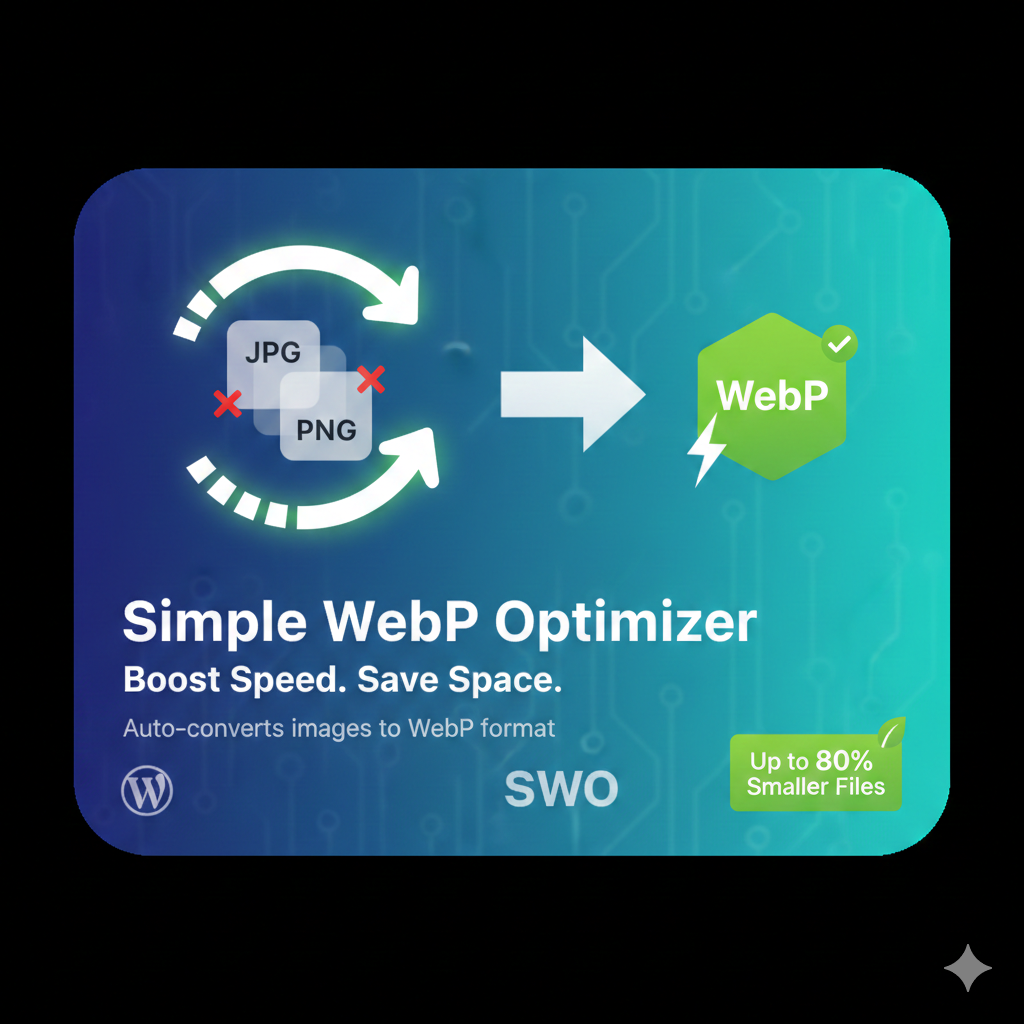
Automatically converts your JPEG and PNG uploads into Google’s WebP format. This plugin reduces image file sizes by up to 80% without sacrificing visual quality.
Installation
- Upload the
simple-webp-optimizerfolder to the/wp-content/plugins/directory. - Activate the plugin through the ‘Plugins’ screen in WordPress.
- Go to Settings -> WebP Optimizer to configure.
Anmeldelser
Der er ingen anmeldelser for denne widget.
Bidragsydere & udviklere
“Simple WebP Optimizer” er open source-software. Følgende personer har bidraget til dette plugin.
Bidragsydere
Oversæt “Simple WebP Optimizer” til dit eget sprog.
Interesseret i udvikling?
Gennemse koden, tjek SVN repository, eller abonner på udviklerloggen via RSS.
Ændringslog
2.0
- Initial public release with bulk optimization support.