Android Pre-Installed Apps: What Could Possibly Go Wrong?
March 13th, 2026 by Oleg Afonin
Picture this: you just dropped $1,300 on a brand-new, top-of-the-line Android flagship. You unbox it, peel off the plastic film, boot it up, and get ready for the daily grind. But before you can even sync your contacts, you notice the app drawer is already cluttered with unsolicited apps. If you think this is a problem exclusive to fifty-dollar burner phones bought at a gas station or cheap Chinese handsets obtained from an online shopping site, think again. We’ve seen this corporate hoarding disease infect even the highest tiers. Just look at the new Samsung Galaxy S26 Ultra; a clean setup of a 512GB model immediately sacrifices over 40GB to system files and third-party apps you never asked for. To be clear, you get zero say in the matter – they are pre-installed without a single prompt. You pay top dollar for premium hardware, and the manufacturer still treats your device like a subsidized billboard.
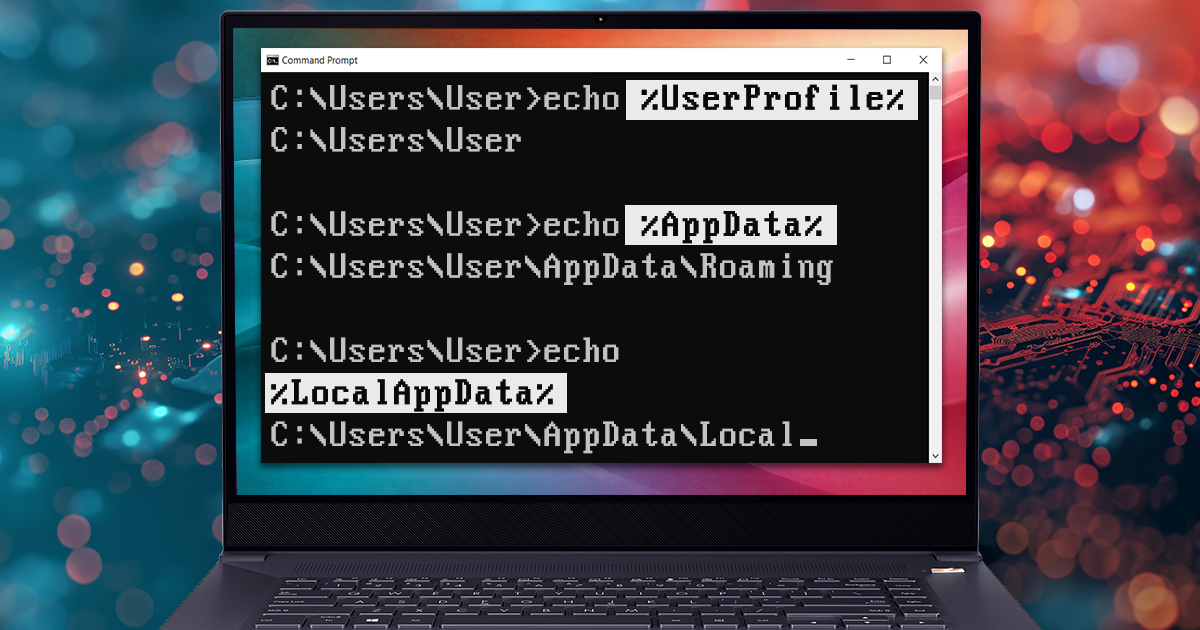
The C:\User Data in Windows Forensics
March 12th, 2026 by Oleg Afonin
This article concludes our series on Windows forensic artefacts and the role they play in real-world investigations. Over the past several weeks, we looked at evidence sources that help investigators understand activity at the system level, from Windows Event Logs and the Windows Registry to file system traces stored under C:\Windows and C:\ProgramData. Those artefacts are indispensable when reconstructing the broader picture: system startup and shutdown, service activity, software installation, persistence mechanisms, and signs of compromise affecting the machine as a whole. Yet system-wide telemetry has an obvious limitation. It can tell us that something happened, but not always who was behind it. This is where the focus shifts from the operating system to the individual user.
AI Agents and Deep Research: A Friday Primer
March 6th, 2026 by Oleg Afonin
Spoiler: you are probably already using AI agents, even if marketing hasn’t yelled at you about it yet. Forget the dark ages of 2023 when large language models (LLMs) just confidently hallucinated fake server logs and nonexistent IP addresses. Today’s AI can spin up a virtual environment, navigate web pages, scrape data, and logically process what it finds. Let’s cut through the noise and talk about what “agents” actually are, how “Deep Research” operates, and how to spin up your own pocket investigator that doesn’t come with corporate safety bumpers.
Windows File System Artefacts Under C:\ProgramData
March 5th, 2026 by Oleg Afonin
This guide continues our ongoing series exploring Windows digital artefacts and their practical value during an investigation. Here, we turn our attention to the specific set of files located under the root path %ProgramData% (commonly C:\ProgramData\) and its subfolders. Unlike standard user profile folders, this directory typically houses system-wide data, shared application configurations, and background service caches that apply to the system as a whole. For investigators, this path offers a system-level perspective. Analyzing it can uncover historical activity, revealing events from background file transfers and software installations to Wi-Fi connections and security tool detections.
Investigating Windows File System Artifacts Under C:\Windows
March 3rd, 2026 by Oleg Afonin
This guide continues our ongoing series exploring digital artifacts found on Windows computers and their practical meaning during an investigation. With each new topic, the puzzle becomes more complex because these traces rarely exist in isolation. Modern forensic best practices rely heavily on cross-checking different types of artifacts against one another. By connecting these dots, investigators do more than just establish isolated facts – they build a solid, reliable conclusion that can stand up in court.
USB Device Forensics on Windows 10 and 11
February 25th, 2026 by Oleg Afonin
With massive external hard drives and smartphones everywhere, the USB interface continues to be a major channel for data theft and malware infections. For anyone working in digital forensics and incident response, building a solid timeline of when a USB device was plugged in, used, and removed is often essential. Whether you are investigating a departing employee who might have copied sensitive intellectual property to a thumb drive, or tracing a ransomware outbreak, the answers frequently involve external storage.

Forensic Analysis of Windows 10 and 11 Event Logs
February 18th, 2026 by Oleg Afonin
The discipline of digital forensics and incident response relies fundamentally on the persistent, systemic traces left by both legitimate users and malicious actors. The Windows Event Log system serves as a primary chronological record of operating system activity, capturing security events, application behaviors, service and driver activity, and user authentication telemetry. Due to the immense volume of background events generated by Windows 10 and Windows 11, isolating forensically relevant artifacts is a highly specialized task. A comprehensive understanding of this logging mechanism is often decisive when reconstructing an incident timeline.
Perfect Acquisition: The True Physical Acquisition
February 16th, 2026 by Vladimir Katalov
The release of the checkm8 exploit was a breakthrough for mobile forensics, finally granting investigators verifiable access to the file systems of various Apple devices. This accessibility established the current “gold standard” for extraction: using the bootloader exploit to access the file system and dump it into a simple tar archive. While convenient, a tar archive is merely a logical copy, not a physical one. It may fail to capture the device’s true state, missing certain low-level nuances. Truth be told, these nuances are rarely relevant to real investigations, but why settle for less when a better method is available? More importantly, this approach avoids the “teething problems” of traditional bootloader extraction – such as the mishandling of large sparse files – that continue to plague even the largest forensic vendors.
Investigating Windows Registry
February 13th, 2026 by Oleg Afonin
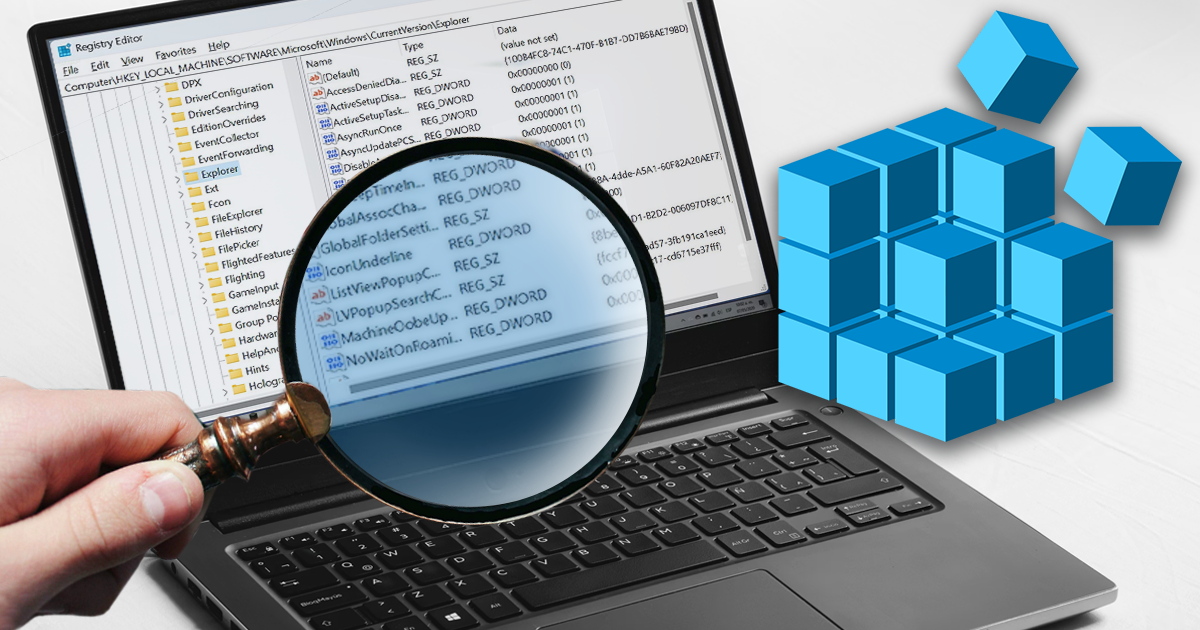
The Windows Registry remains one of the most information-dense repositories for reconstructing system activity and user behavior. Far more than a configuration database, it serves as a critical historical record of execution, data access, and persistence mechanisms across Windows 10 and 11. While automated forensic tools are essential for extracting and parsing this data, the correct interpretation of the results remains the responsibility of the investigator. This article focuses on the Registry keys that possess distinct forensic significance. We will move beyond the standard enumeration found in legacy guides to establish the specific links between technical artifacts and their value in an investigation, distinguishing between actionable evidence and system noise.
Perfect Acquisition With Passcode Unlock for A8/A8X Devices
February 11th, 2026 by Elcomsoft R&D
Perfect Acquisition is the most reliable method to acquire data from an iOS device. It is completely forensically sound – it doesn’t modify a single bit of the filesystem. When supported, this method should always be used over alternatives. This guide outlines the entire process, from acquiring the data dump to decrypting and mounting it for analysis.


