| Author: | MathijsBlok |
|---|---|
| Official Page: | Go to website |
| Publish Date: | December 14, 2017 |
| License: | MIT |
Description:
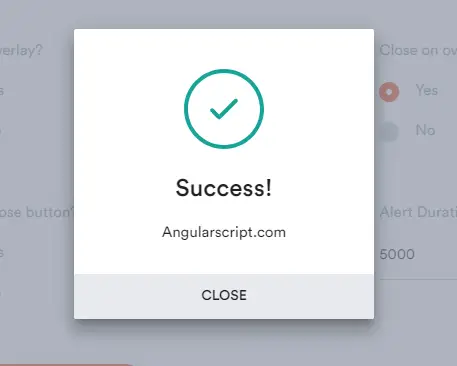
A minimal, clean alert component for Angular 4+ app.
Installation:
# NPM
$ npm install ngx-alerts --save
Usage:
Import the alerts component into your module.
import { BrowserModule } from '@angular/platform-browser';
import { NgModule } from '@angular/core';

import { AppComponent } from './app.component';

// Import your library
import { AlertModule } from 'ngx-alerts';

@NgModule({
  declarations: [
    AppComponent
  ],
  imports: [
    BrowserModule,

    // Specify your library as an import
    AlertModule.forRoot()
  ],
  providers: [],
  bootstrap: [AppComponent]
})
export class AppModule { }
In your app.
<h1>
  {{title}}
</h1>
<ngx-alerts></ngx-alerts>

@Component({
    ...
})
export class AppComponent {

    constructor(private alertService: AlertService) {}

    showAlerts(): void{
        this.alertService.info('this is an info alert');
        this.alertService.danger('this is a danger alert');
        this.alertService.success('this is a success alert');
        this.alertService.warning('this is a warning alert');
    }
}
Options.
@Input()
maxMessages = 5;

@Input()
timeout = 5000;

@Input()
fontAwesome = false;