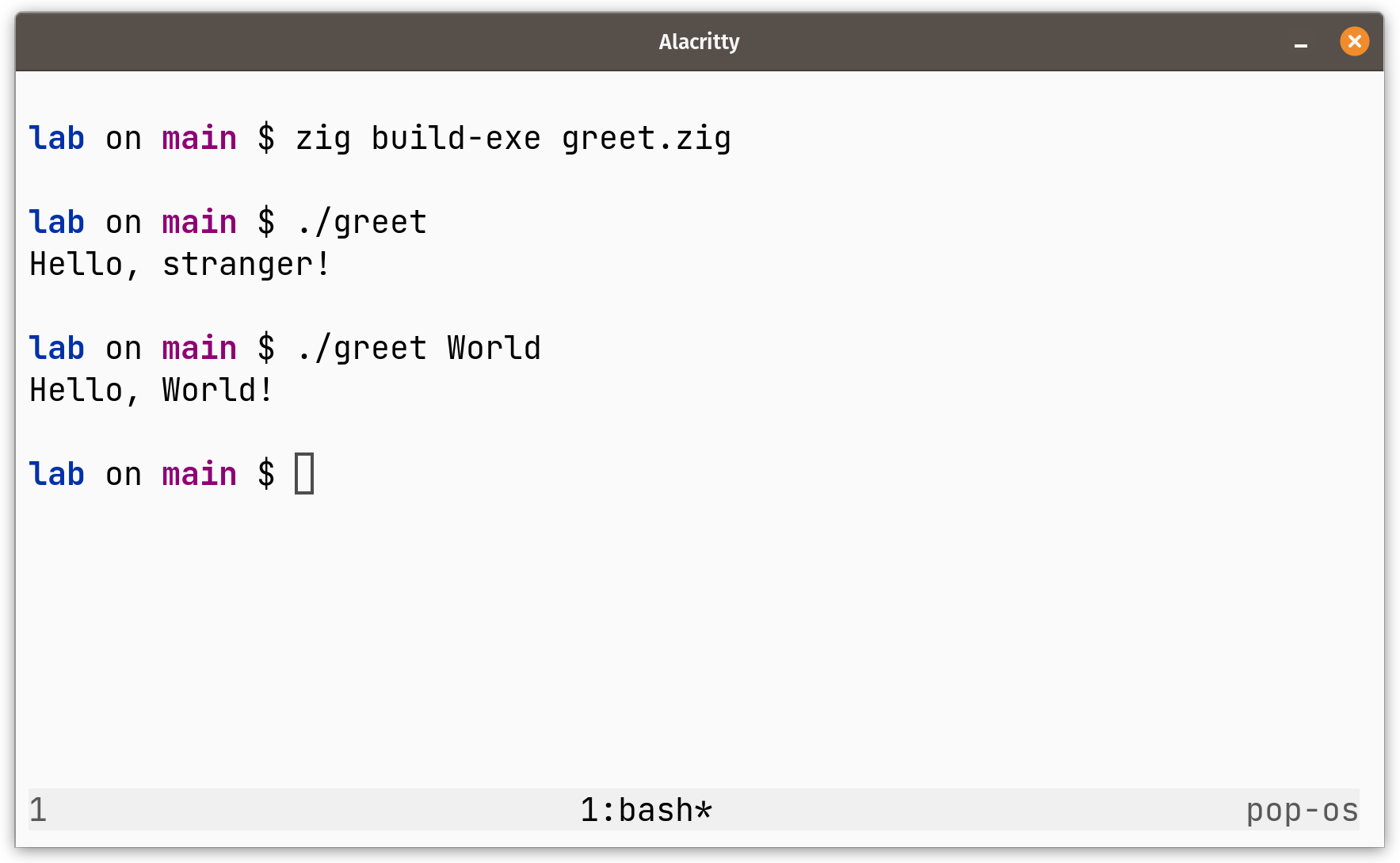
Handling command line arguments in Zig
Posted on Aashutosh's Devlog.
In Zig, handling command line arguments is not as straight forward as with other programming languages.
Since there are no hidden memory allocations, we need to explicitly allocate memory for storing the command line arguments.
This is different from something like in C, where the argv parameter that holds the command line arguments is allocated and populated by the language runtime.
We can read in the arguments from the command line using the argsAlloc function from the std.process namespace in the standard library.
fn argsAlloc(allocator: Allocator) ![][:0]u8
We see that argsAlloc requires an allocator.
So we first need to create an allocator and pass it to argsAlloc for it to be able to read in the cli arguments.
var arena = std.heap.ArenaAllocator.init(std.heap.page_allocator);
defer arena.deinit();

const allocator = arena.allocator();
Here we instantiate an arena allocator that manages the memory provided by the page_allocator which allocates memory in pages.
Zig has a number of different allocator for different use cases.
We use the arena allocator since it provides a simple and efficient way to allocate and deallocate memory.
Benjamin Feng's talk "What's a Memory Allocator Anyway?" provides a really good explanation on the matter.
The defer statement ensures that the allocator is deinitialized when the current scope exits.
With the allocator in place, we can now read in arguments from the command line into a variable as:
const args = try std.process.argsAlloc(allocator);
defer std.process.argsFree(allocator, args);
Putting it all together
const std = @import("std");

pub fn main() !void {
    var arena = std.heap.ArenaAllocator.init(std.heap.page_allocator);
    defer arena.deinit();

    const allocator = arena.allocator();

    const args = try std.process.argsAlloc(allocator);
    defer std.process.argsFree(allocator, args);

    if (args.len < 2) {
        std.debug.print("Hello, stranger!\n", .{});
    } else {
        std.debug.print("Hello, {s}!\n", .{args[1]});
    }
}